5 desk-relief strategies for long hours at a computer
NPR Life Kit recommends five-minute walking breaks, a spine-rotation movement, an eye exercise, frequent position changes and ergonomic desk setup.
At a glance
- A 2023 Columbia University Medical Center study found five minutes of walking every 30 minutes was the most effective strategy.
- More than 20,000 NPR listeners joined a walking challenge and reported higher productivity and lower fatigue.
- NPR advises changing positions often and keeping screens at eye level, with keyboards and mice low enough to avoid raised shoulders.
NPR News’ Life Kit published a roundup of five previously featured desk-relief strategies on October 22, 2026, for people who sit at computers for work or leisure. The recommendations cover walking, spinal movement, eye relief, posture changes and workstation setup.
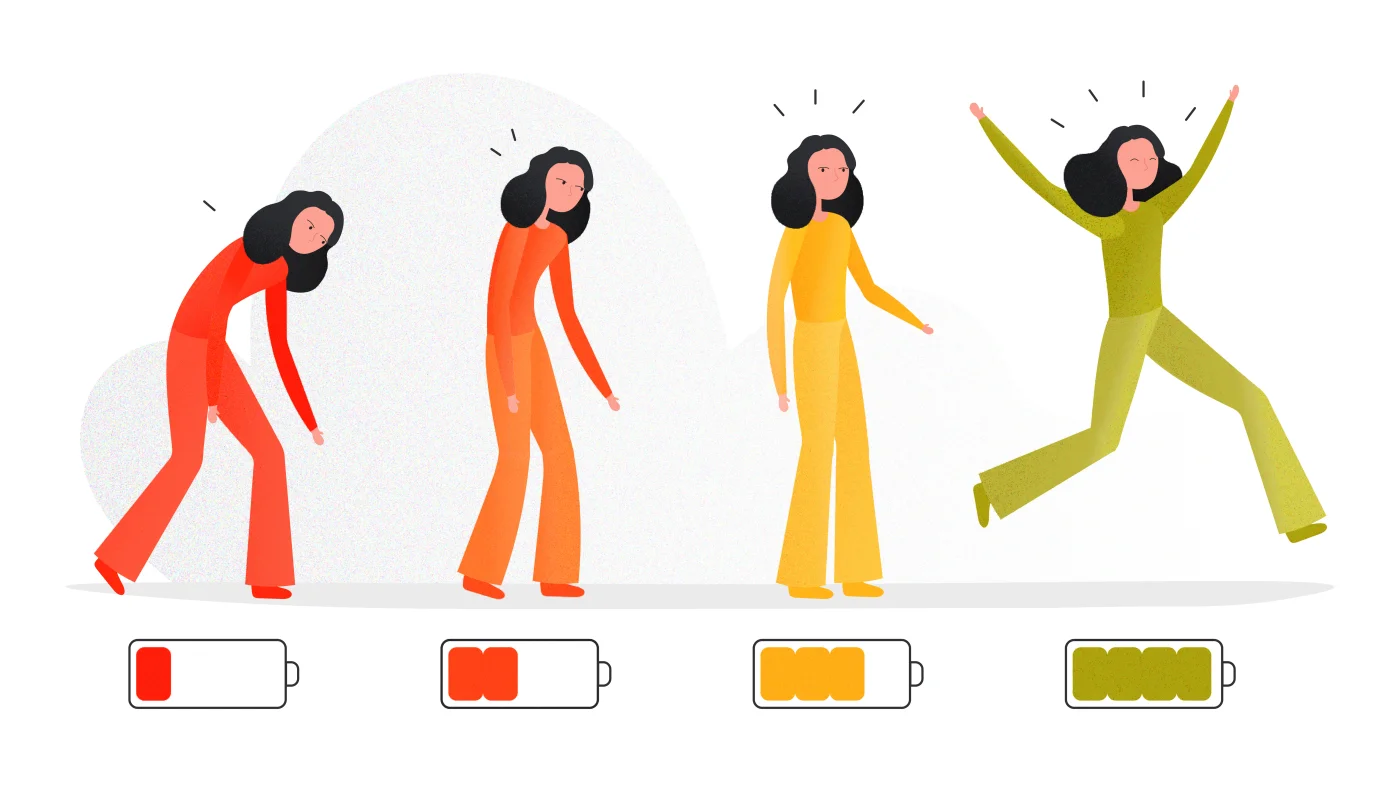
The article says a sedentary lifestyle is associated with fatigue, weight gain, back and joint pain, and chronic conditions such as obesity, heart disease and cancer. U.S. adults spend an average of 9.5 hours a day sitting in activities involving computers, laptops and phones.
Walk for five minutes every 30 minutes
Researchers at Columbia University Medical Center set out in 2023 to identify the least movement needed to counteract the dangers of prolonged sitting. They found that walking for five minutes every 30 minutes was the most effective strategy. NPR’s Body Electric also tested the idea with listeners that year. More than 20,000 participants joined the challenge and reported higher productivity and lower fatigue.
Rotate through the spine
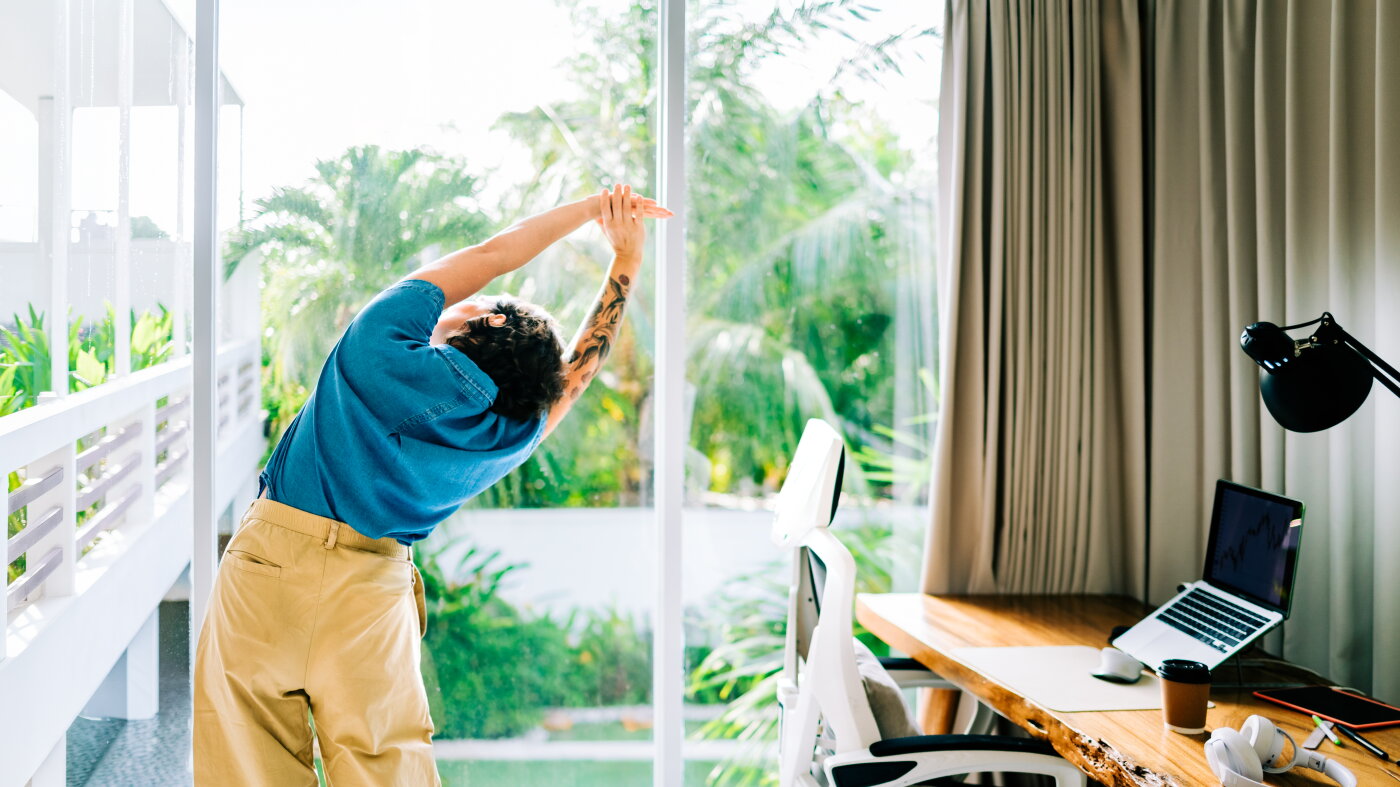
Physical therapist Vinh Pham says rounded mid-back posture can stress the middle of the spine. His 3D T-spine rotation is intended to encourage flexibility through side bending, backward bending and rotation. To perform it, stand with the right foot about a foot behind the left. Raise the right arm and place the left arm behind you, then lower both straight arms while twisting toward the right foot. Return to the starting position and hold for two seconds. Repeat 10 times, then switch legs and repeat on the other side.
Rest the eyes
Long screen use makes the eyes turn inward, refocus for close vision and maintain that focus, which can cause digital eye strain. NPR says the condition can produce eye fatigue, headaches or blurred vision and recommends an exercise to relieve the strain.
Change positions
Biomechanist Katy Bowman says fidgeting can signal a need to leave a stagnant posture, while a position that initially feels comfortable may still cause pain, headaches or stiffness if held too long. Physical therapist Leada Malek suggests alternating among sitting, standing, reclining and moving, such as taking a call while walking. Their advice is to vary configurations rather than search for one permanently good or bad posture.
Adjust the workstation
Professional ergonomist Meg Honan says a “head down and arms up” arrangement can leave people feeling sore, tired and achy. The article recommends raising a monitor to eye level with books or another platform so the neck does not crane downward. Keyboards and mice should sit low enough to avoid shrugging or holding the arms up. If a laptop keyboard cannot be lowered separately from its screen, an external keyboard and mouse can separate those positions. An external mouse may also prevent the constant strain associated with trackpad use.
Source: NPR News.
Questions and answers
- What is the most effective movement break for prolonged sitting?
- In 2023, Columbia University Medical Center researchers found that walking for five minutes every 30 minutes was the most effective strategy for counteracting the dangers of prolonged sitting.
- What helps digital eye strain from desk work?
- NPR says prolonged focus on a close screen can cause digital eye strain, with symptoms including eye fatigue, headaches and blurry vision. It recommends an exercise to relieve the strain.
- How should I position my monitor, keyboard and mouse at a desk?
- Place the screen at eye level to avoid looking down, and keep the keyboard and mouse low enough that your shoulders do not rise. An external keyboard and mouse can separate the screen and input positions.